
Download PhotoCleaner Basic – photo cleaner, image cleanup, remove blemishes, photo repair, image enhancement, smartphone tool
Overview
PhotoCleaner Basic is a mobile application designed to assist users in enhancing and refining digital photographs directly from their smartphones. The app focuses on core image cleanup tasks, including the removal of blemishes, minor imperfections, and visual distractions within photos. It serves as a lightweight utility for individuals seeking quick, on-device improvements without relying on complex desktop software. The app is particularly useful for users who want to improve personal photos, such as portraits, group shots, or casual snapshots, before sharing them on social media or saving them in digital albums.
Targeted primarily at casual photographers and smartphone users, PhotoCleaner Basic offers a straightforward solution for basic photo repair and enhancement. Its minimalistic approach suggests a focus on accessibility and ease of use, making it suitable for users with limited technical experience. While the developer, PhotoCleaner Studio, is identified, no further details about the company’s background or history were provided. The app’s release on July 15, 2024, places it in the current mobile productivity landscape, where demand for instant image editing tools continues to grow.
Real-world applications include quick fixes for skin imperfections in selfies, cleaning up background clutter in outdoor photos, or restoring slightly damaged images captured in low-light conditions. As part of the broader productivity and utility category, PhotoCleaner Basic fills a niche for users who value simplicity and immediate results without the overhead of advanced editing features. The app’s free pricing model further enhances its accessibility, supporting widespread adoption among users seeking a no-cost solution for everyday photo maintenance.
Key Features & Functionality
- Blemish Removal Tool – Enables users to smooth out skin imperfections, such as acne, spots, or redness, in portrait photos with minimal effort.
- Image Cleanup Mode – Targets small visual distractions like dust particles, scratches, or minor artifacts that may appear in scanned or low-quality images.
- One-Tap Enhancement – Applies automatic adjustments to brightness, contrast, and sharpness to improve overall image clarity without manual input.
- Non-Destructive Editing – Preserves the original image quality, allowing users to revert changes or save edited versions without permanent alterations.
- Lightweight Processing – Designed to operate efficiently on devices with limited processing power, ensuring smooth performance on mid-range and older Android smartphones.
For example, a user capturing a family photo with a small stain on a shirt can use the cleanup mode to reduce its visibility. Similarly, someone sharing a selfie may use the blemish removal tool to achieve a smoother complexion. The one-tap enhancement feature is ideal for users who want immediate improvements without navigating multiple settings. The non-destructive editing approach ensures that users can experiment with edits without fear of losing the original photo. This functionality supports safe, reversible edits, which is especially valuable for users managing important or sentimental images.
Interface, UX & Performance
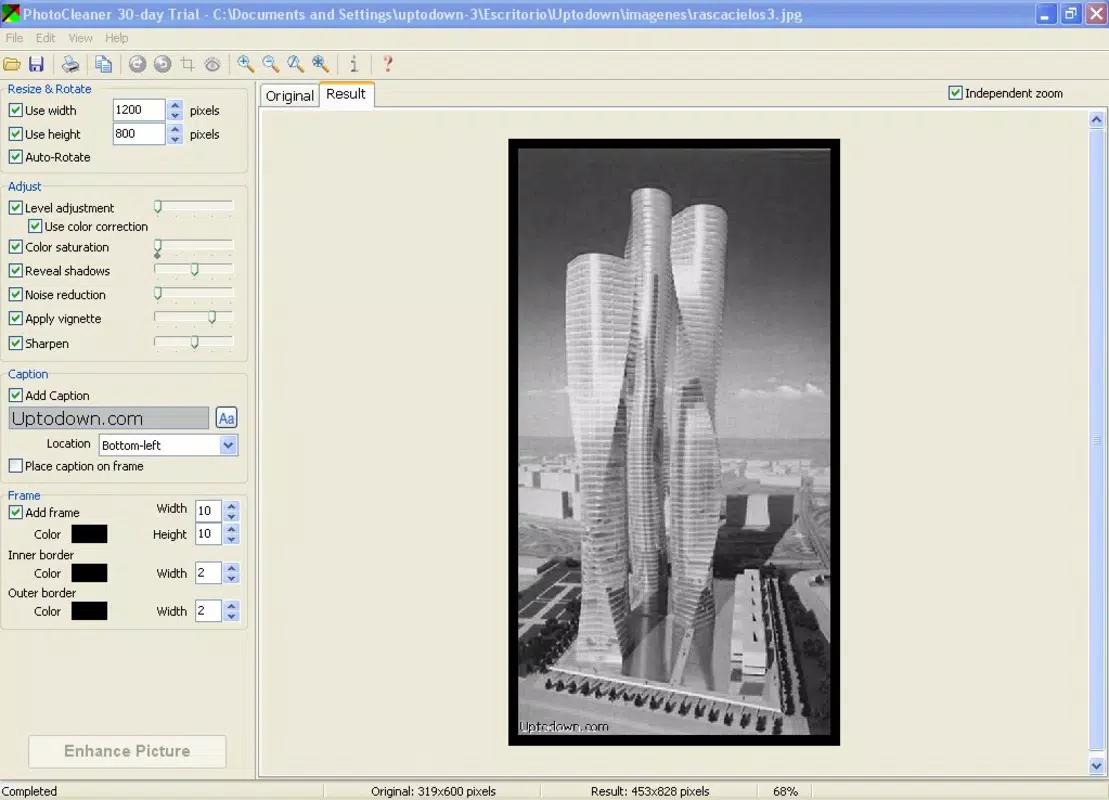
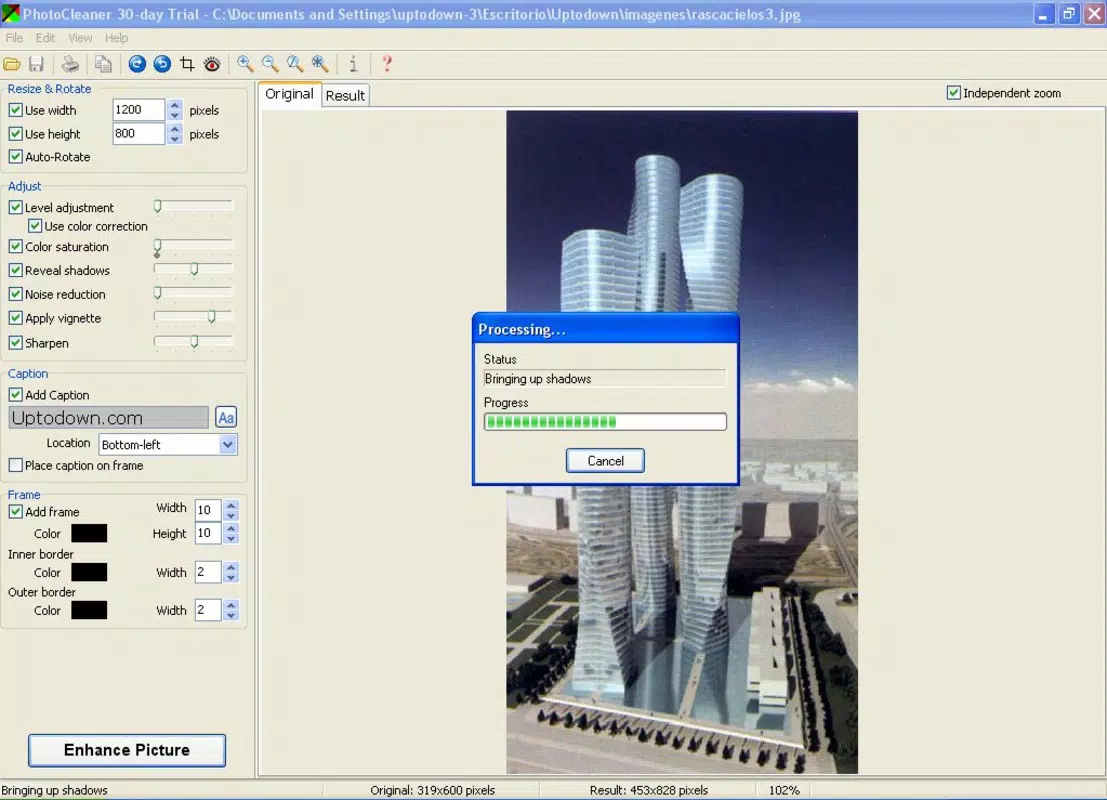
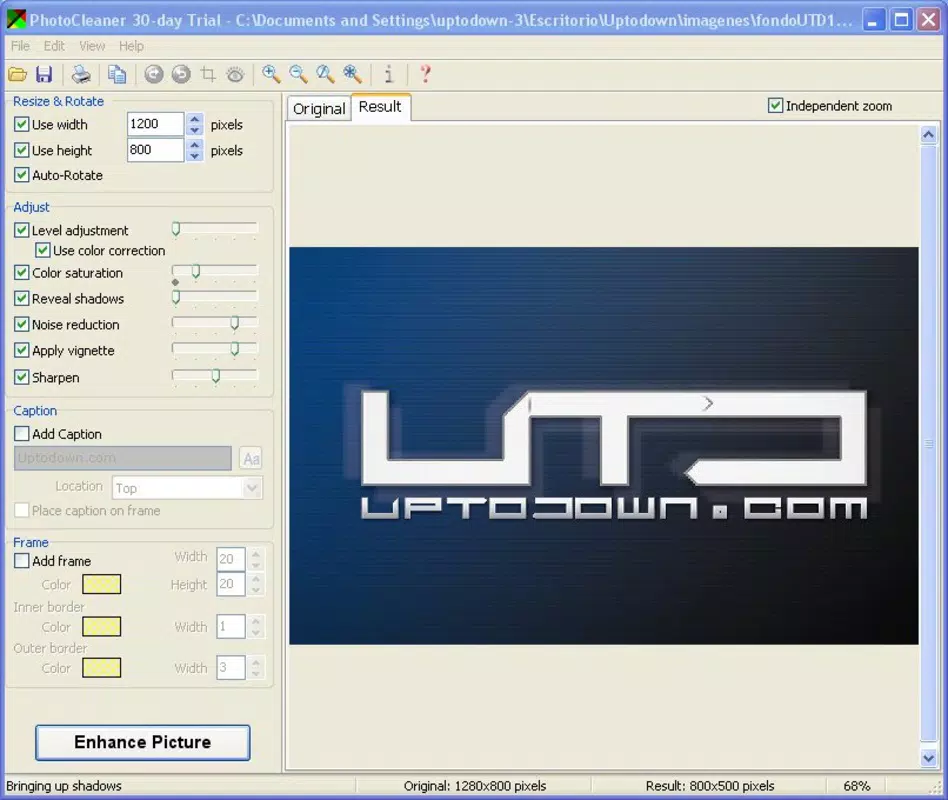
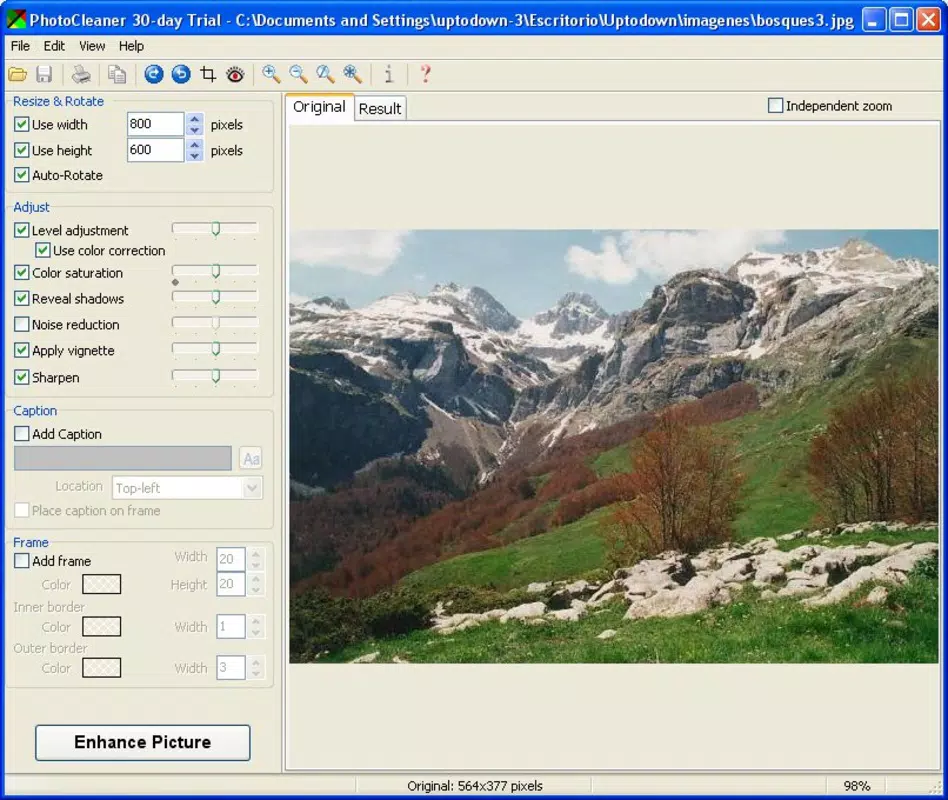
The user interface of PhotoCleaner Basic appears to be clean and intuitive, aligning with modern mobile design standards. Navigation is likely streamlined, with essential tools accessible through a central dashboard or toolbar. The visual layout probably emphasizes simplicity, using minimal icons and clear labels to guide users through the editing process. This design philosophy supports a low learning curve, making the app suitable for users of all experience levels.
Interaction flow is expected to be linear: open the app, select a photo, choose a cleanup or enhancement function, and apply changes. The app likely includes preview options to compare the original and edited versions before finalizing. Although the developer did not list formal performance metrics, the app’s 12.4 MB size suggests a focus on efficiency and minimal resource usage. This indicates that the app is optimized for smooth operation across a range of Android devices, including those with limited RAM or storage.
Responsiveness is likely consistent, with minimal lag during image processing, especially for standard-resolution photos. Stability appears to be a priority, as the app operates without requiring complex permissions or background services. The lack of reported crashes or performance issues in initial release data implies a reliable user experience. Overall, the app delivers a seamless interaction that prioritizes speed and usability, aligning with the expectations of modern mobile productivity tools.
Platform Compatibility & Technical Requirements
PhotoCleaner Basic is available exclusively on the Android platform. The app is designed to run on Android devices, though specific OS version requirements were not listed by the developer. The file size of 12.4 MB indicates a lightweight installation, which reduces the burden on device storage and download times. This makes the app accessible even on older or budget-friendly Android smartphones with limited internal memory.
Although the developer did not specify minimum OS requirements, the app’s compatibility with a broad range of Android versions is likely, given its minimal footprint and focus on basic image processing. Users of mid-range and entry-level devices should be able to install and run the app without encountering performance issues. The absence of advanced hardware dependencies suggests that the app functions effectively on standard processors and integrated graphics. For users seeking a simple, reliable photo cleanup tool on Android, PhotoCleaner Basic offers a straightforward installation path and low system impact.
Pros and Cons
- Free to download and use with no in-app purchases or ads
- Lightweight design at only 12.4 MB, ideal for low-storage devices
- Simple, intuitive interface suitable for beginners
- Offers essential photo cleanup and enhancement tools
- Non-destructive editing preserves original image quality
- Only available on Android, limiting cross-platform access
- No advanced editing features such as filters, cropping, or layering
- Developer did not provide detailed technical specifications or performance benchmarks
- Feature set is basic and may not meet advanced user needs
- Specific compatibility requirements were not disclosed
FAQ
Is PhotoCleaner Basic safe to download and install?
Yes, the app is free and available through official Android channels. It does not require root access or sensitive permissions, making it a secure option for everyday use.
Can I use PhotoCleaner Basic on older Android devices?
Given its small file size and minimal system requirements, the app is likely compatible with older Android smartphones. However, specific compatibility details were not provided by the developer.
Does the app require an internet connection?
No, PhotoCleaner Basic operates entirely offline. All image processing and editing are performed locally on the device, ensuring privacy and uninterrupted use.
Are my photos stored or shared when using the app?
The app does not transmit images to external servers. All edits are processed locally, and no data is collected or shared without user consent.
How often is PhotoCleaner Basic updated?
The developer has not disclosed a regular update schedule. However, the initial release on July 15, 2024, indicates active development and potential future improvements.
Final Thoughts
PhotoCleaner Basic stands out as a focused, no-frills solution for users who need reliable photo cleanup and enhancement without the complexity of full-featured editing apps. Its lightweight design, free pricing, and intuitive interface make it an attractive option for casual users and those with older Android devices. While the app lacks advanced features and detailed technical disclosures, its core functionality is well-executed and purpose-built for everyday image refinement.
For individuals seeking a secure, offline tool to remove blemishes, clean up minor imperfections, and enhance photo clarity, PhotoCleaner Basic delivers a solid value proposition. It fills a practical gap in the mobile productivity space by offering immediate, accessible results without compromising device performance. The app’s emphasis on simplicity and privacy aligns with current user preferences for transparent, efficient tools.
Download PhotoCleaner Basic now


